What is a mockup and what is it for (simple guide)
Learn what a mockup is, what it is for, and how to use it to showcase your products and sell more. Create yours in 3D from your phone, free.
You’re about to launch a personalized product —a mug, a tumbler, a notebook— and you want to show it off on social media or send it to a client. But you haven’t printed it yet, you don’t have a good photo, and hiring a photographer isn’t in the budget. The solution to that problem has a name: a mockup. And these days, making one takes seconds.
What is a mockup
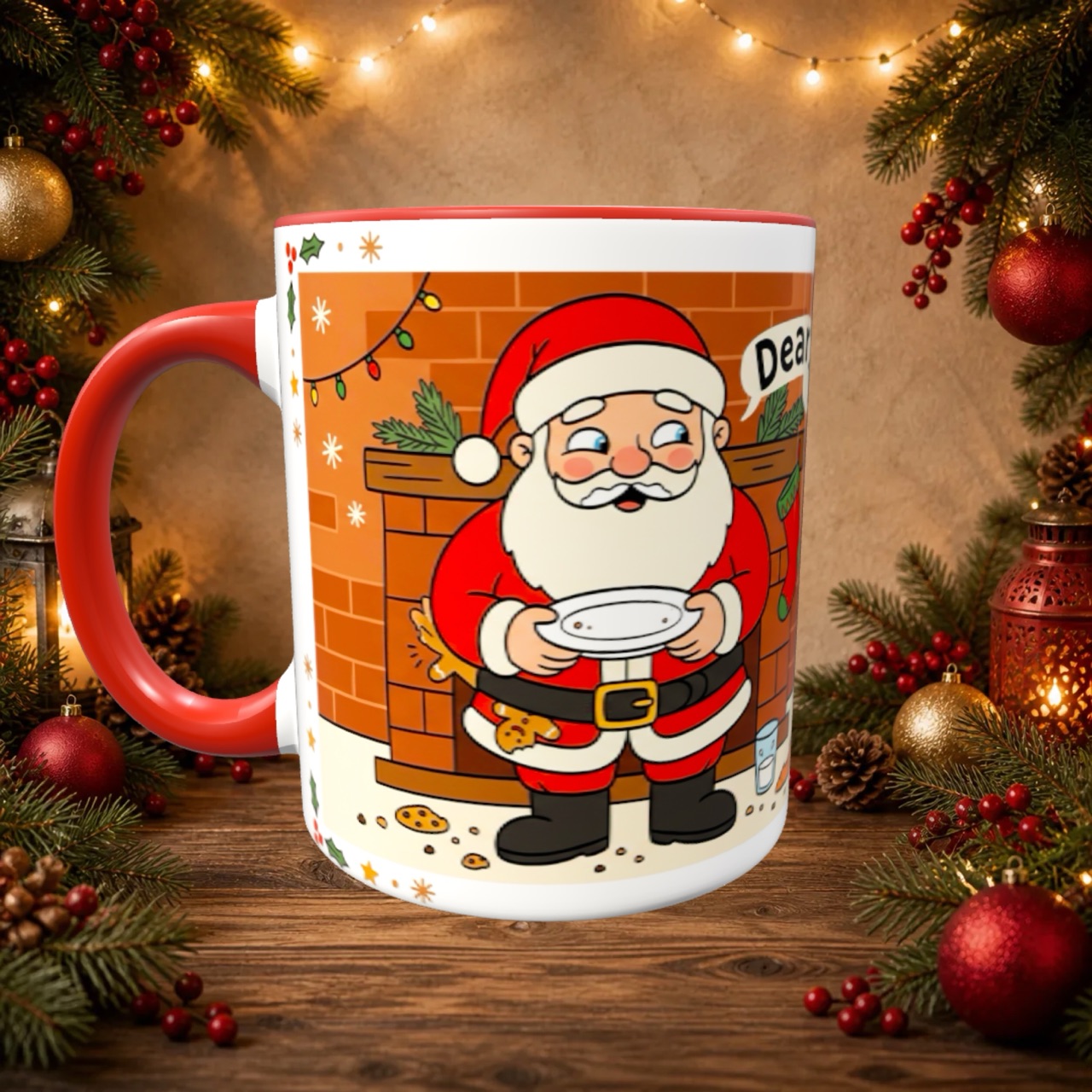
A mockup is a realistic visual representation of how your design will look applied to a product, before you manufacture or print it. Instead of imagining how your logo looks on a mug, you see it rendered on the mug, with real shadows, highlights and proportions.
The term comes from mock up (“a model” or “a draft”). In design and product sales, a mockup is the bridge between “I have an idea” and “this is what it will actually look like.”
What is a mockup for
A good mockup does much more than look pretty. It helps you:
- Sell before producing. You show the finished product without spending on printing a single unit. If the client approves it, you produce it then.
- Pitch to clients. A professional mockup builds trust. The same proposal looks ten times better with a realistic image than with a flat file.
- Fill your feed and catalog. Instagram, TikTok and your online store all need eye-catching images. Mockups give you content without setting up a photo shoot.
- Validate ideas fast. Torn between two versions of a design? Make a mockup of each and compare before deciding.
Types of mockup
Not all mockups are the same. It helps to know the difference:
- Flat mockups (PSD / templates). These are 2D images where you “paste” your design using an editor like Photoshop. They work, but they lock you into a single angle and require knowing the software.
- 3D mockups. The product is a real three-dimensional model you can rotate, zoom in on and view from any angle. Far more versatile and realistic — and today you don’t even need a computer to make them.
How to make your first mockup (no designer)
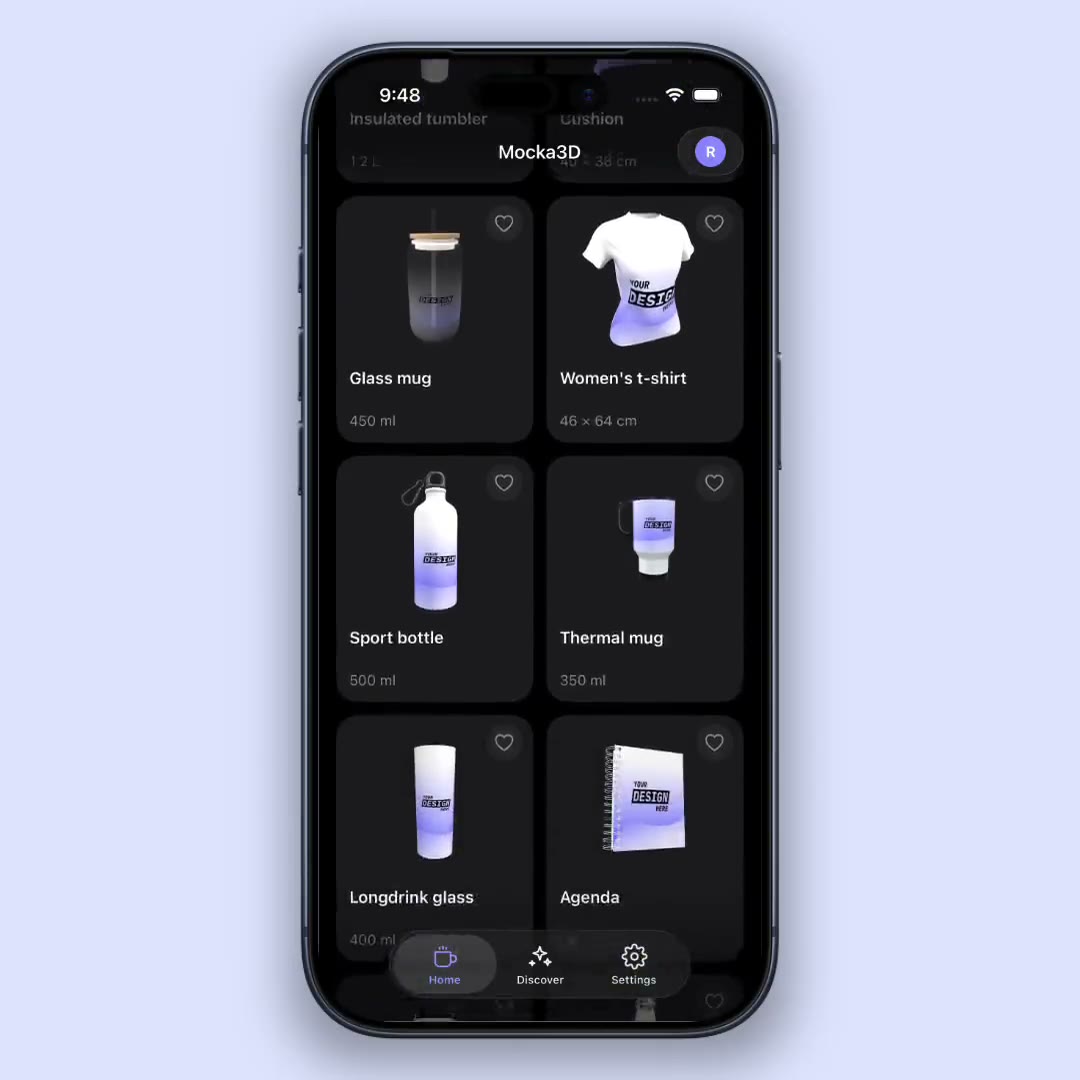
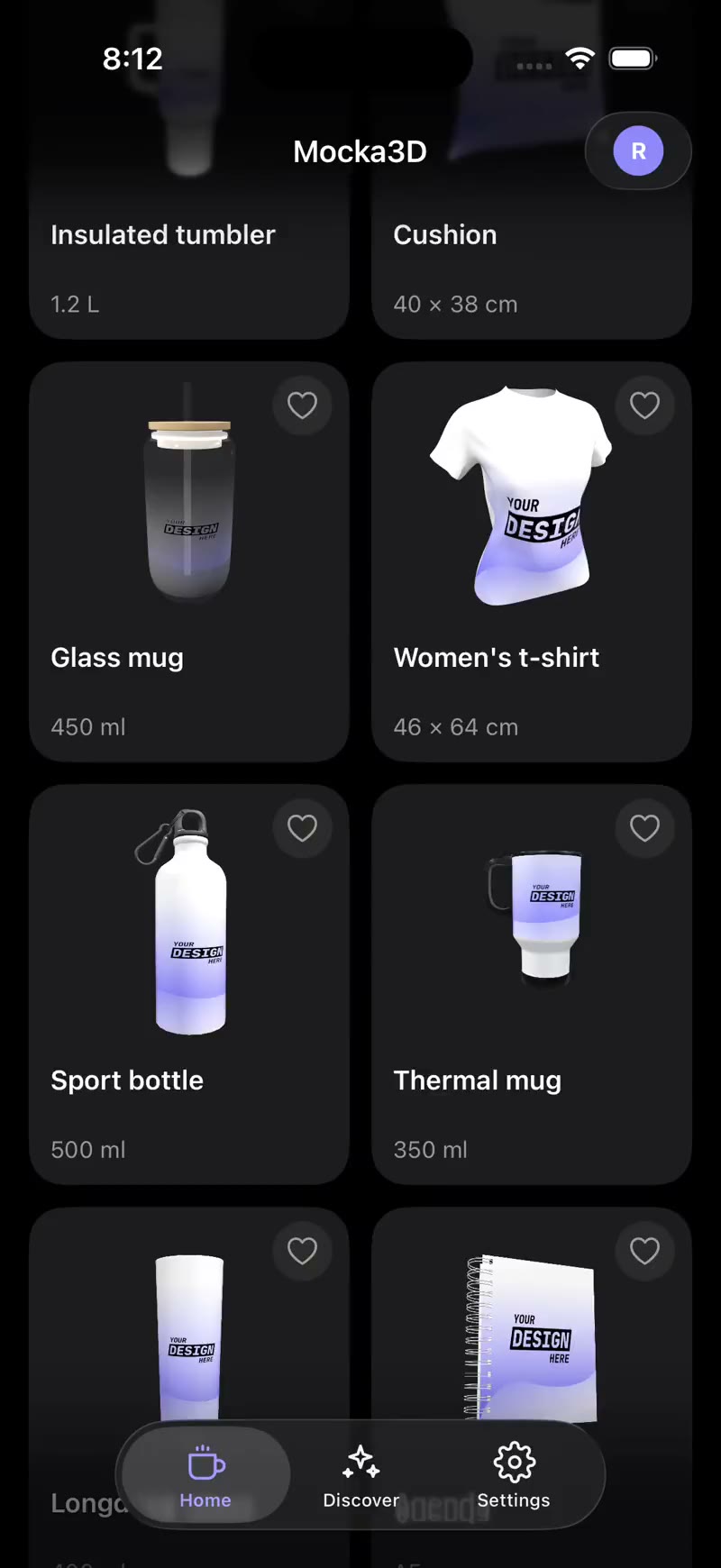
Making a decent mockup used to mean Photoshop, templates and time. Today the shortest path is an app. With Mocka3D it’s three steps:
- Upload your design (a PNG with your logo or artwork).
- Pick the product: mug, magic mug, tumbler, notebook, sport bottle and more.
- See the result in 3D, adjust the position and export the image or an HD video.
That’s it. No software, no learning curve, and free to start.
In short
A mockup is the fastest, cheapest way to show a product as if it were already made. If you sell personalized products, dropping improvised photos in favor of 3D mockups is one of those small changes you notice right away in how clients see you. The next step? Make yours and see for yourself.
Want to go deeper? Continue with how to make a mockup without Photoshop or see how to create a 3D mockup of a personalized mug.