7 mistakes when showing your personalized products
The 7 most common mistakes when showing personalized products —and how to avoid them to sell more. Improve your photos and mockups from your phone.

You can have the best design in the world, but if you show it badly, it won’t sell. Most personalized-product sellers lose sales to presentation mistakes that are easy to fix. Here are the seven most common ones —and how to avoid them.
1. Bad lighting
A dark photo or one with harsh shadows makes any product look cheap. If you don’t have a good lighting setup, a 3D mockup gives you studio lighting without setting anything up.
2. Cluttered background
A background full of clutter distracts from the product. Use clean, neutral backgrounds —or the controlled background a mockup gives you.
3. A single angle
Showing only the front leaves doubts: what’s the handle like? The back? A 3D render lets you rotate the product and show several angles of the same design.
4. Pixelated design
Uploading a low-resolution design is the most visible mistake of all. Always work with crisp files; on a mug or a tumbler, pixelation really shows.
5. Not showing scale
The client doesn’t know if the mug is big or small. Show the product with context or, better, in augmented reality so it appears at real size.
6. Photos only, no video
A still image gets lost in the feed. A short video of the product spinning stops the scroll and signals quality. Export HD clips and post often.
7. Not showing the variants
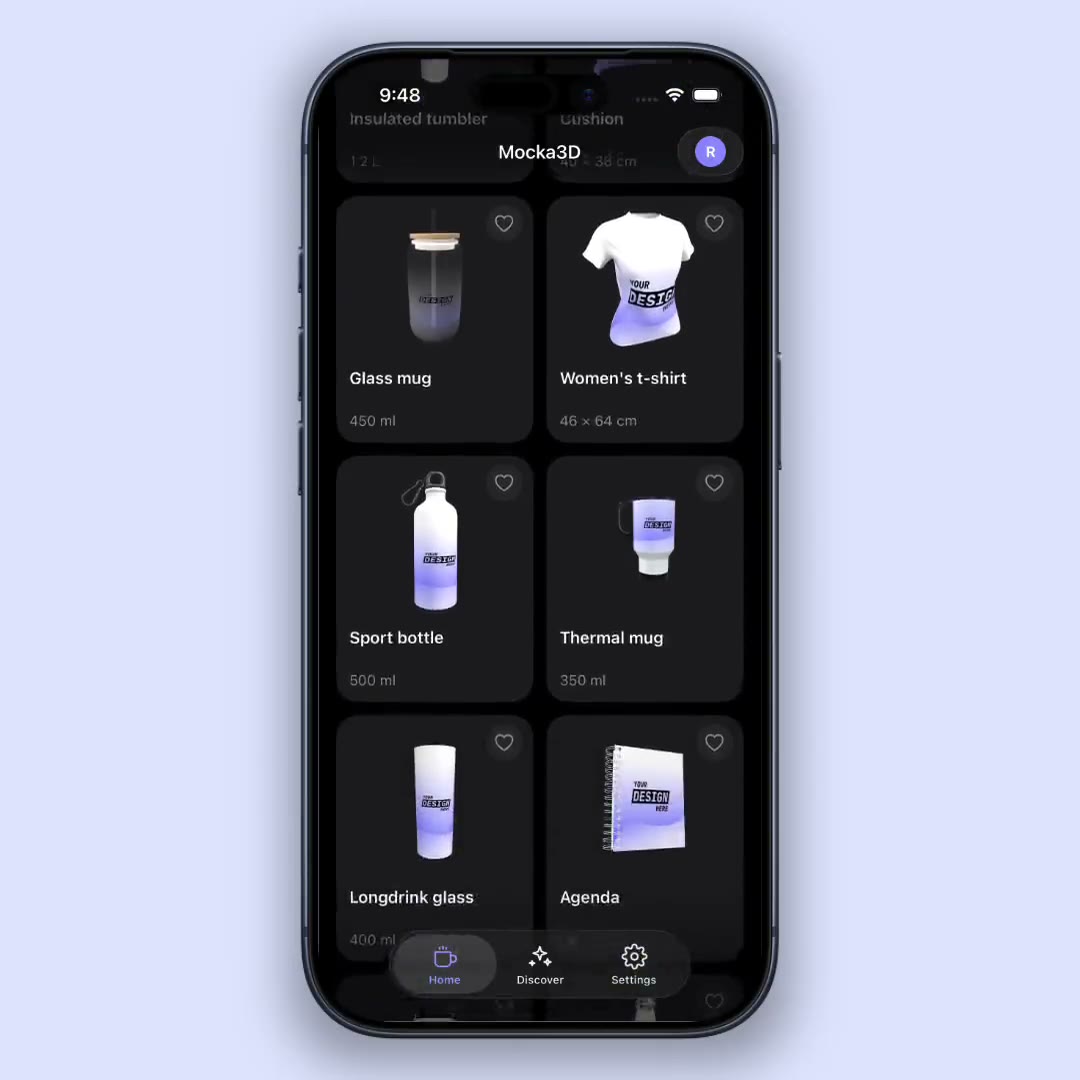
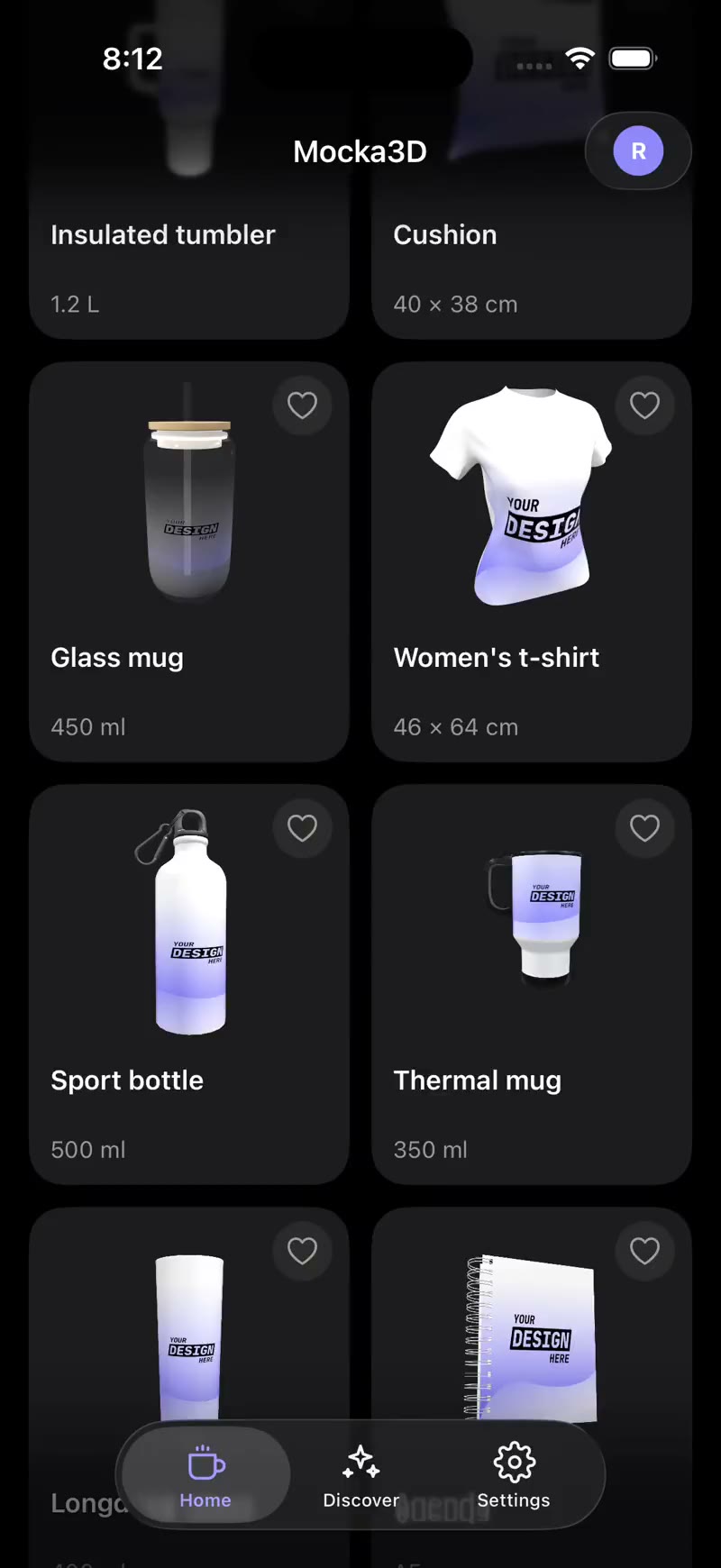
If you have the same design on a mug, tumbler and notebook, show it. Offering the combo raises the order value. In 3D, you move from one product to another without redoing the design.
Conclusion
Selling more isn’t always about a better product —it’s about better presentation. Fix these seven mistakes and your same designs will look far more professional. The fastest way to get there is to stop improvising photos and start using 3D mockups.
Continue with how to get product photos without a photographer and how to make videos for Instagram and TikTok.