Free vs paid mockups: which one is right for you
Free or paid mockups? We compare the options by stage and budget so you choose well. Start free with 3D mockups from your phone.
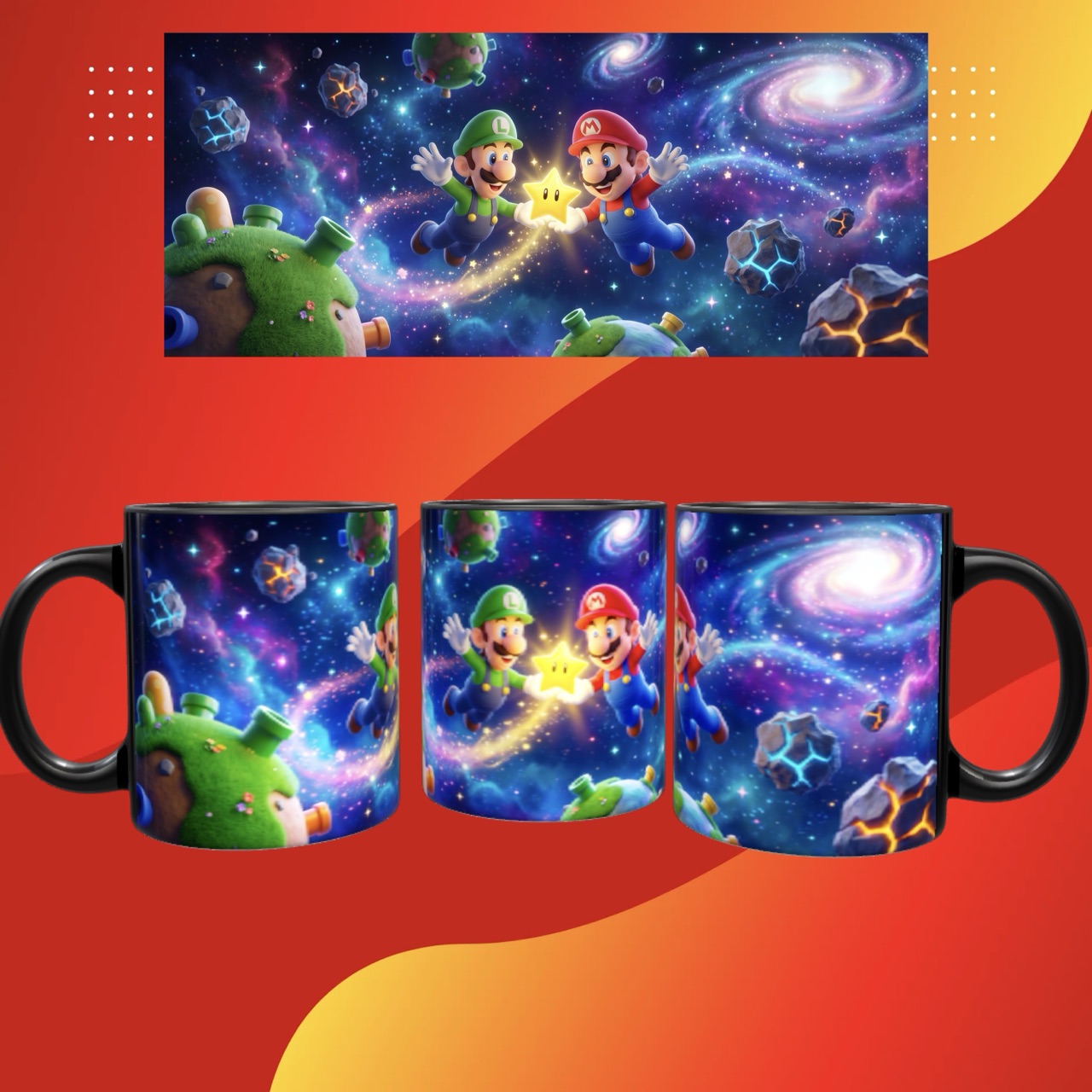
“Should I pay for a mockup tool or get by with the free ones?” It’s one of the first questions for anyone selling personalized products. The short answer: it depends on your stage. Let’s make it clear so you don’t overspend or fall short.
What free mockups give you
Free options —templates, online editors, apps with a free plan— are genuinely useful when you’re starting out:
- Zero cost to validate whether your product sells.
- Enough quality for your first posts.
- No commitment: you try without a card.
Their limit is usually variety (few products), watermarks, or the lack of advanced features like video or real 3D.
What paid plans add
You pay when the mockup is already part of how you sell and you need more:
- No watermark and high resolution.
- A wider catalog of products and angles.
- Features that sell more: HD video, 3D, augmented reality.
- Speed: you generate new content with no friction.
How to decide by stage
- Just starting: use the free option. Validate the product before investing.
- Selling fairly regularly: a paid plan pays for itself with the extra sales better content brings.
- Content is your engine: invest in the tool that gives you video and 3D without limits.
The mistake of choosing on price alone
The most expensive thing isn’t paying for a subscription: it’s losing sales by showing your products badly. Sometimes the “free” tool that locks you into a single flat angle costs you more in missed sales than what you save. Look at the total cost, not just the price.
Conclusion
There’s no single answer: the best tool is the one that fits your stage. Start free, measure how much the mockup helps you sell, and upgrade when content becomes central to your business. What matters is that your products look professional from day one.
Want the basics? Read what a mockup is and how to make a mockup without Photoshop.