Augmented reality: see your product before you print it
Use augmented reality to view your personalized product at real scale on your desk before printing it. Try it free from your phone with Mocka3D.
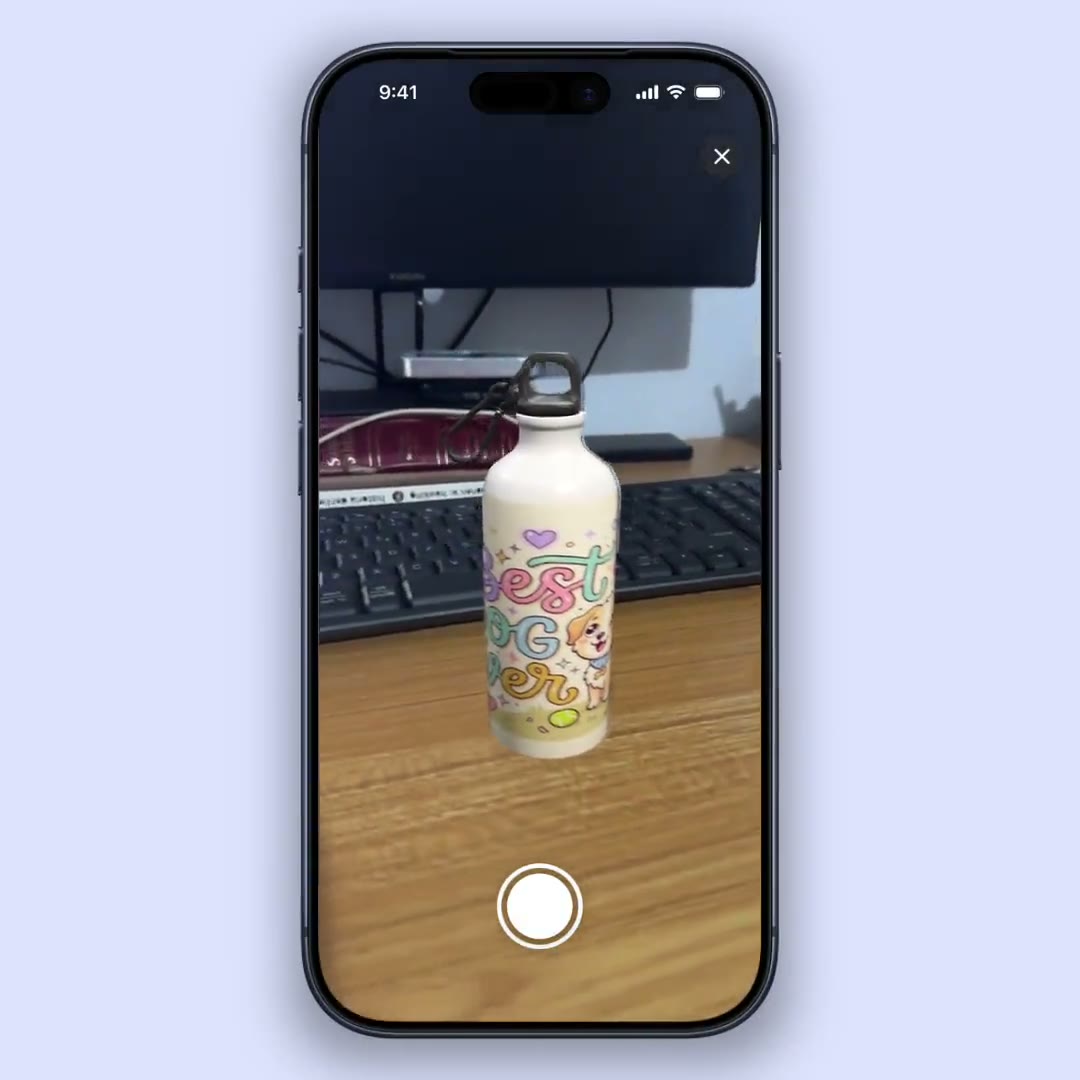
A flat image shows you the design, but not the size. Will the mug look good with that giant logo? Won’t the tumbler look huge? Before sending to print, those doubts cost money. Augmented reality (AR) solves them: it lets you place the product, at real scale, on your desk and look at it from every angle through your phone’s camera.
What augmented reality means for products
Augmented reality overlays a 3D object onto the real world through the camera. Applied to a mockup, it means your mug, tumbler or notebook —with your design already on it— appears “sitting” on your desk as if it were physical. You can lean in, walk around it and see it at real size.
It’s not a gimmick: it’s the most faithful way to preview a product without holding it.
Why it helps you sell (and avoid mistakes)
- You validate the scale. You see whether the design looks small, large or off-center before printing.
- You close sales with more confidence. Showing a client the product “on their table” is far more convincing than a photo.
- You avoid reprints. A sizing error caught in AR is money you don’t lose in production.
- You create different content. A video shot in AR, with your product in a real setting, stands out on social.
How to view your mockup in AR with Mocka3D
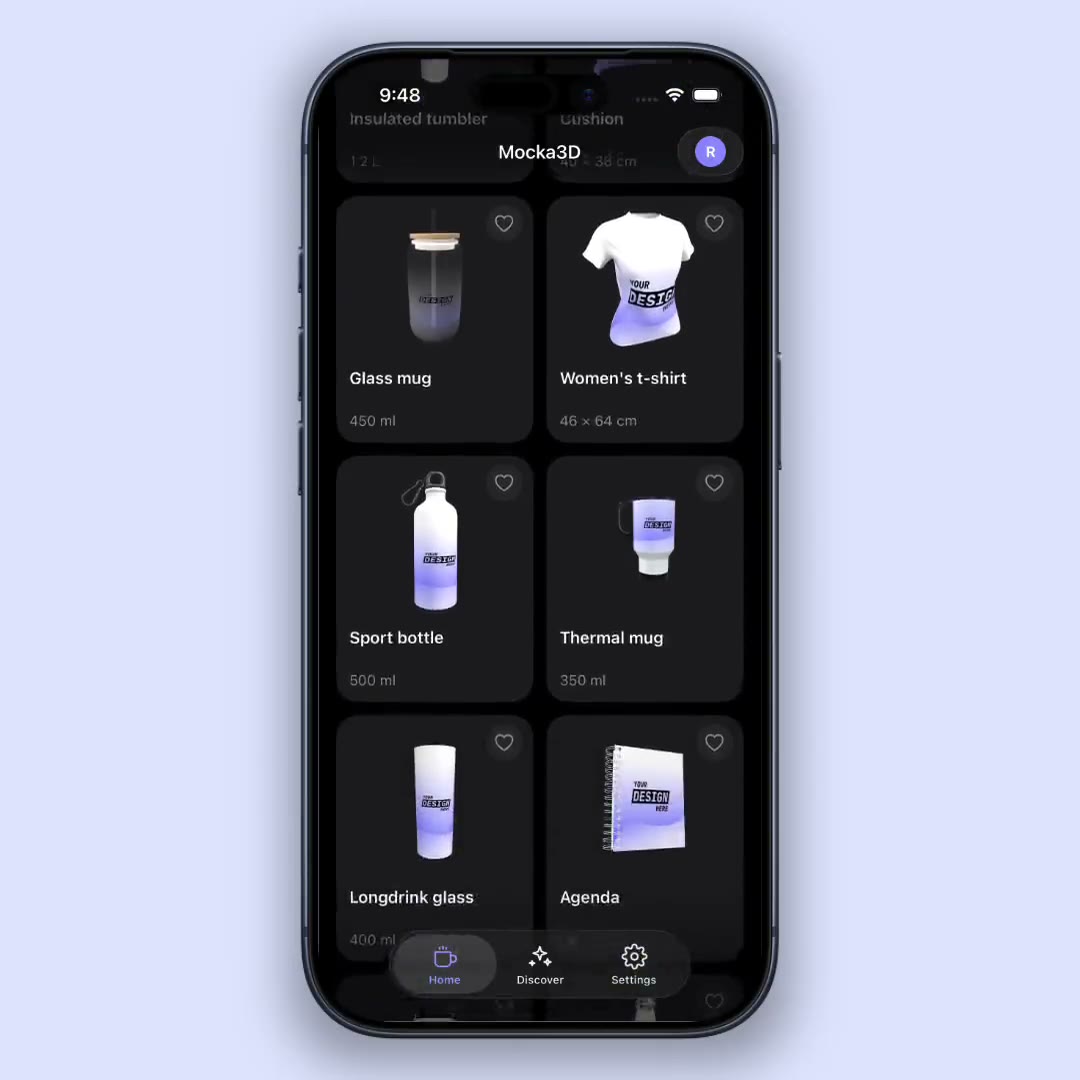
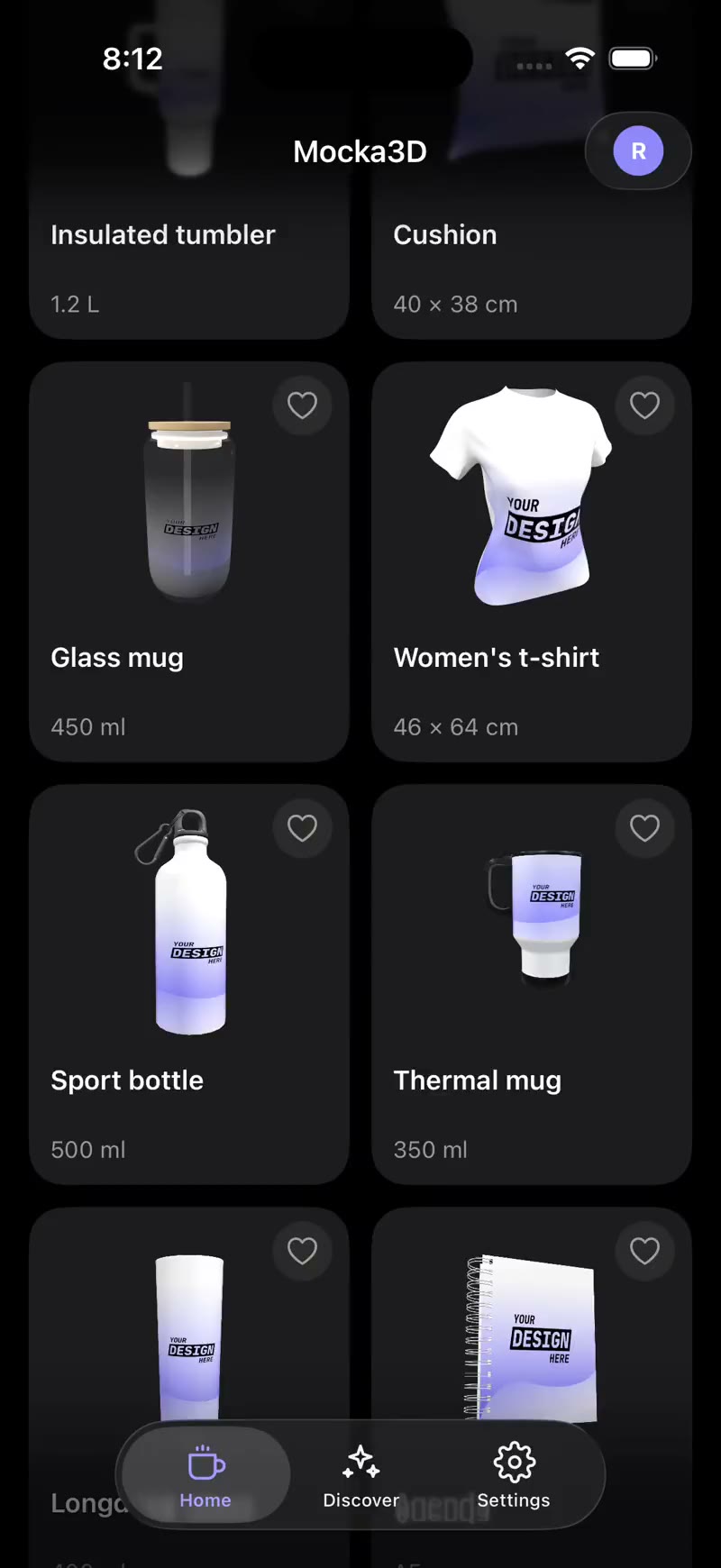
- Upload your design and pick the product (mug, tumbler, notebook, bottle…).
- Position the artwork on the 3D model.
- Turn on augmented reality and point the camera at a flat surface.
- Place the product on your desk and move around it to see it from any angle.
- Record a video of the product in your real space to use on social.
Ideas for using AR with your clients
- Send them a video of the product “sitting” on a real table to close the order.
- Show two design sizes in AR and let the client choose.
- Use AR at a fair or meeting to present your catalog without carrying stock.
Conclusion
Augmented reality bridges the gap between “this is how it looks on screen” and “this is how it’ll look in real life.” For anyone selling personalized products, it’s the difference between guessing and being sure. Try it with your next design and stop printing blind.
Want to get more out of it? See how to make 3D mockups from your phone and how to make product videos for social.