How to make a 3D mockup of a personalized mug
Create a photorealistic 3D mockup of your personalized mug in seconds: upload your design, spin it and export it. No Photoshop, from your phone.
The mug is probably the best-selling personalized product in the world: cheap to produce, easy to gift and perfect for any design. The eternal problem is showing it off. Before you print it you have no photo, and a flat template doesn’t do it justice. The answer is a 3D mug mockup: your design on a real mug you can spin, zoom and export in seconds.
Why a 3D mockup beats a flat template
A PSD mug mockup gives you a single shot, always from the same angle, and usually shows only the front of the design. A mug, on the other hand, is curved: the artwork wraps around it.
A 3D mockup solves exactly that:
- Show the design wrapped around the mug, with the real curvature.
- Spin the mug to see the handle, the sides and the back.
- Get multiple angles from a single design, with no extra templates.
- Export a video of the product rotating — perfect for social media.
How to create your 3D mug mockup, step by step
With an app like Mocka3D you need no Photoshop and no templates:
- Upload your design. A PNG with a transparent background wraps best around the mug.
- Pick “mug” from the catalog (or try the magic mug, which reveals the design as it heats up).
- Position the artwork. Drag, scale and center it with your finger until it’s perfect.
- Rotate in 3D and choose the angle that sells best.
- Export an image for your store or an HD video for Instagram and TikTok.
Tricks to make the mug look real
- Mind the design resolution. On a mug, pixelated edges really show.
- Leave margins. Don’t push the artwork against the edge of the printable area.
- Use the magic mug. Showing the “before and after” (black → reveals the design when filled with hot liquid) drives a ton of engagement in video.
- Vary the background. A clean background highlights the product; one with context tells a story.
Beyond the mug
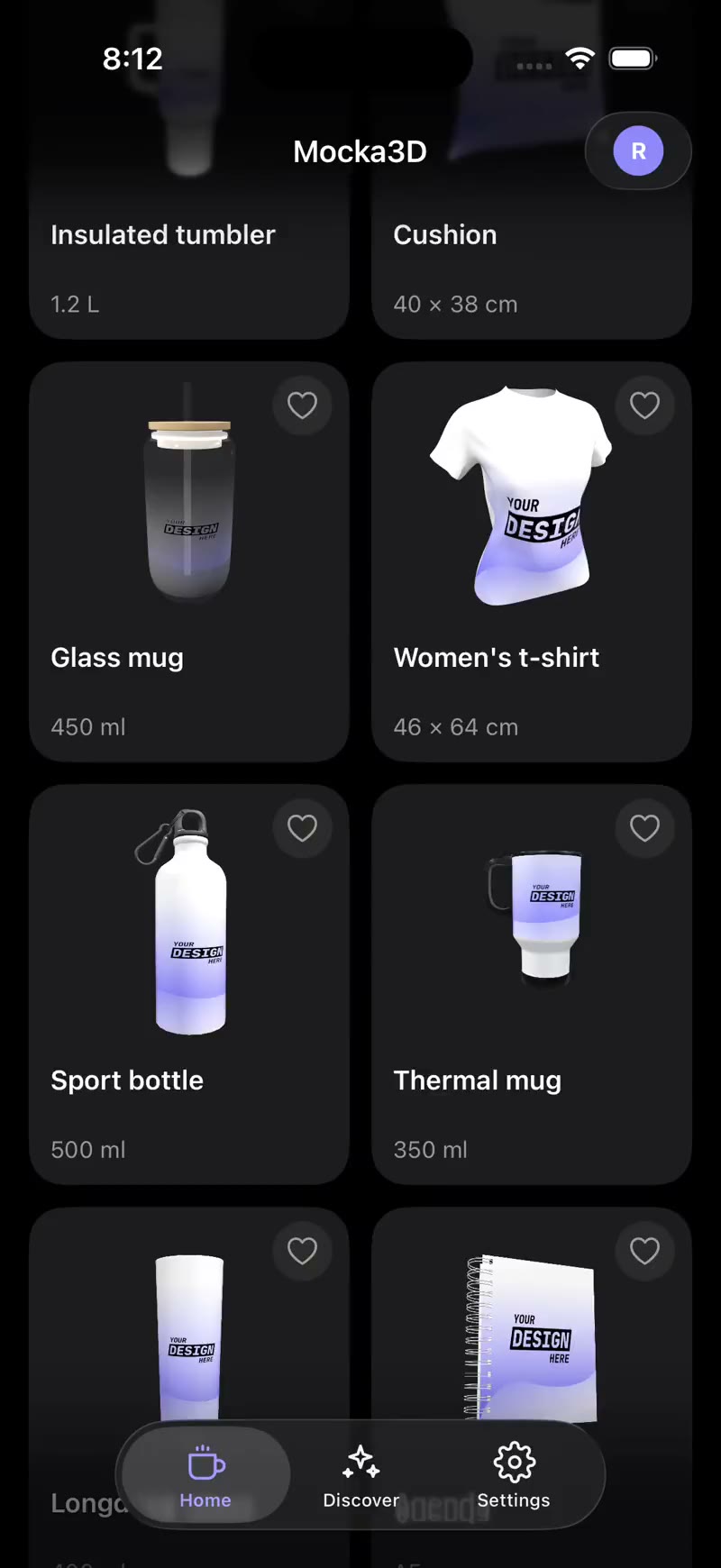
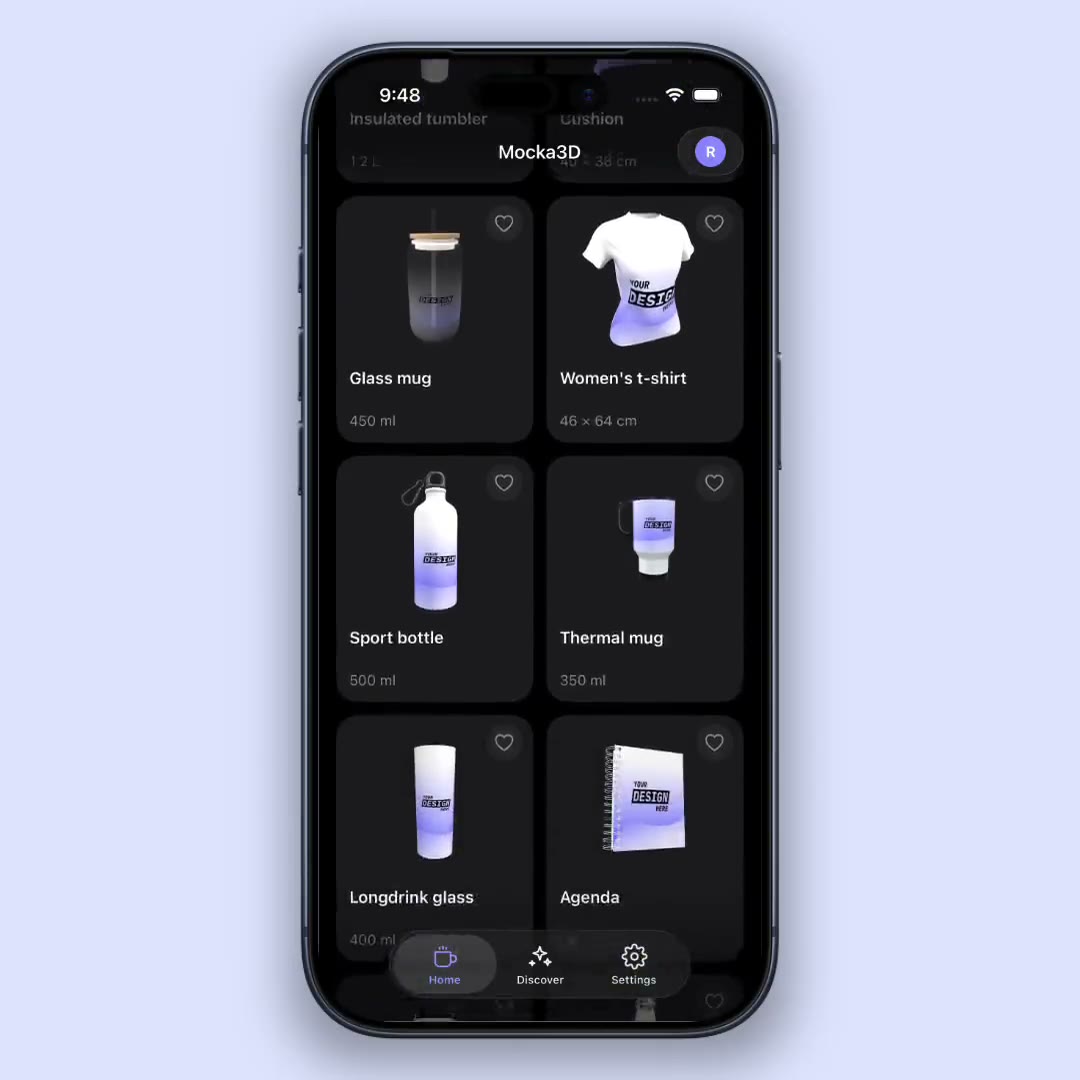
The great thing about working in 3D is that the same flow works for your whole catalog. With your design loaded you can jump to a tumbler, a sport bottle or a notebook and see how it looks on each, without starting over.
Conclusion
A personalized mug sells on how it looks, and a 3D mockup is the fastest way to show it well before printing. Upload your design, spin it, export it: ready to sell. Try it with your next mug and compare it to the old flat template — there’s no going back.
Want context? Start with what a mockup is or learn how to make a mockup without Photoshop.