How to make 3D mockups from your phone (no PC)
Forget templates and the desktop: make realistic 3D mockups from your phone, spin them and export images or video in seconds.
Most mockup tools were born for the computer: heavy templates, browser editors, monthly subscriptions. But you run your business from your phone — that’s where you reply to clients, post on social and keep your designs. Does it make sense to boot up the PC just to show a mug? The short answer: no. Today you can make 3D mockups from your phone, and for selling personalized products it’s the fastest route.
Desktop and templates vs. your phone
Let’s compare the three most common approaches:
| PSD templates | Web generators | 3D phone app | |
|---|---|---|---|
| Where | Photoshop | Browser | Your phone |
| Result | Flat image | Flat image | 3D model that spins |
| Learning curve | High | Medium | Minimal |
| Video | No | Sometimes | Yes, in HD |
| On hand | At the desk | With a connection | Always, in your pocket |
The pattern is clear: templates and web generators give you fixed images and tie you to the computer. A 3D app gives you a product that moves and keeps it with you at all times.
What you can do from your phone with Mocka3D
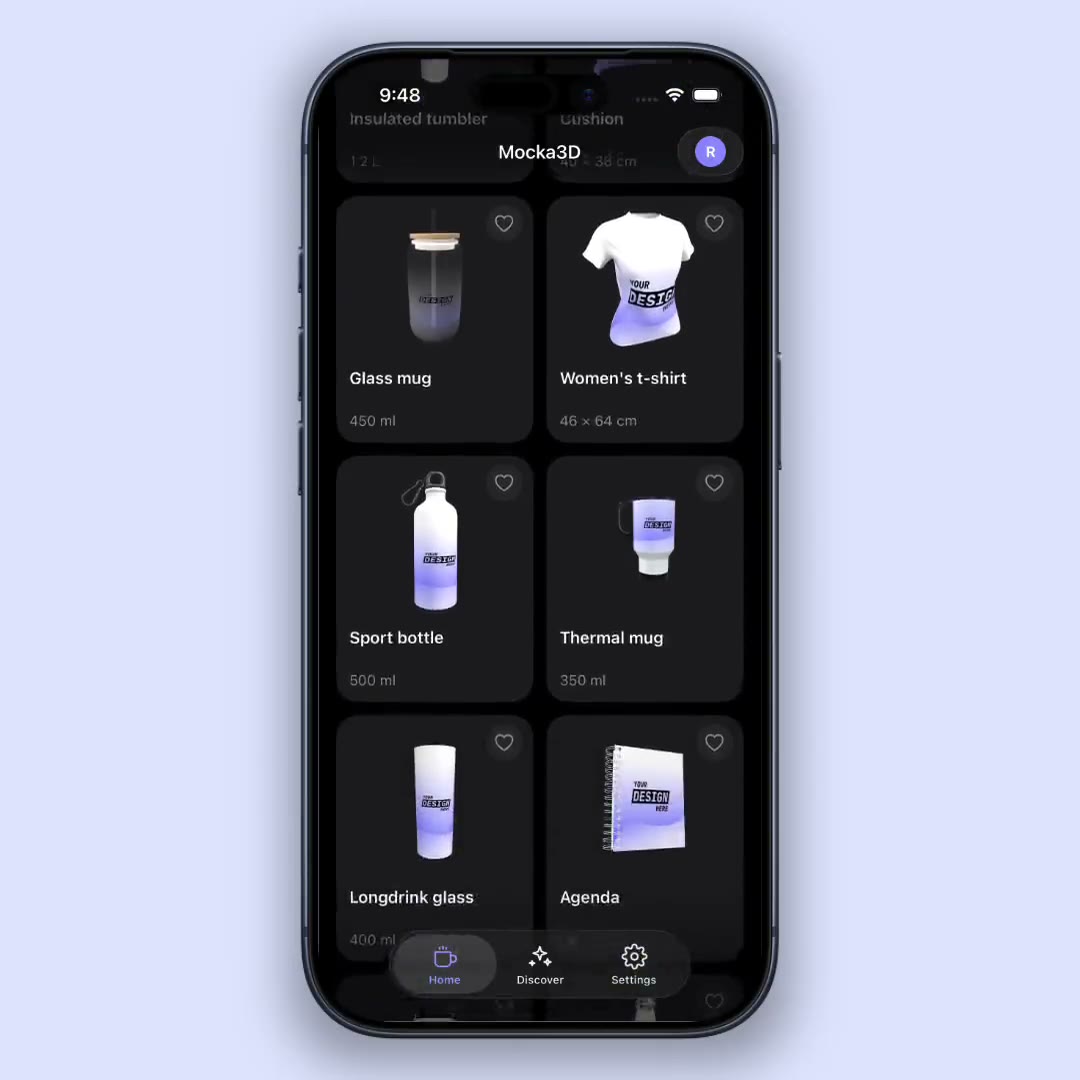
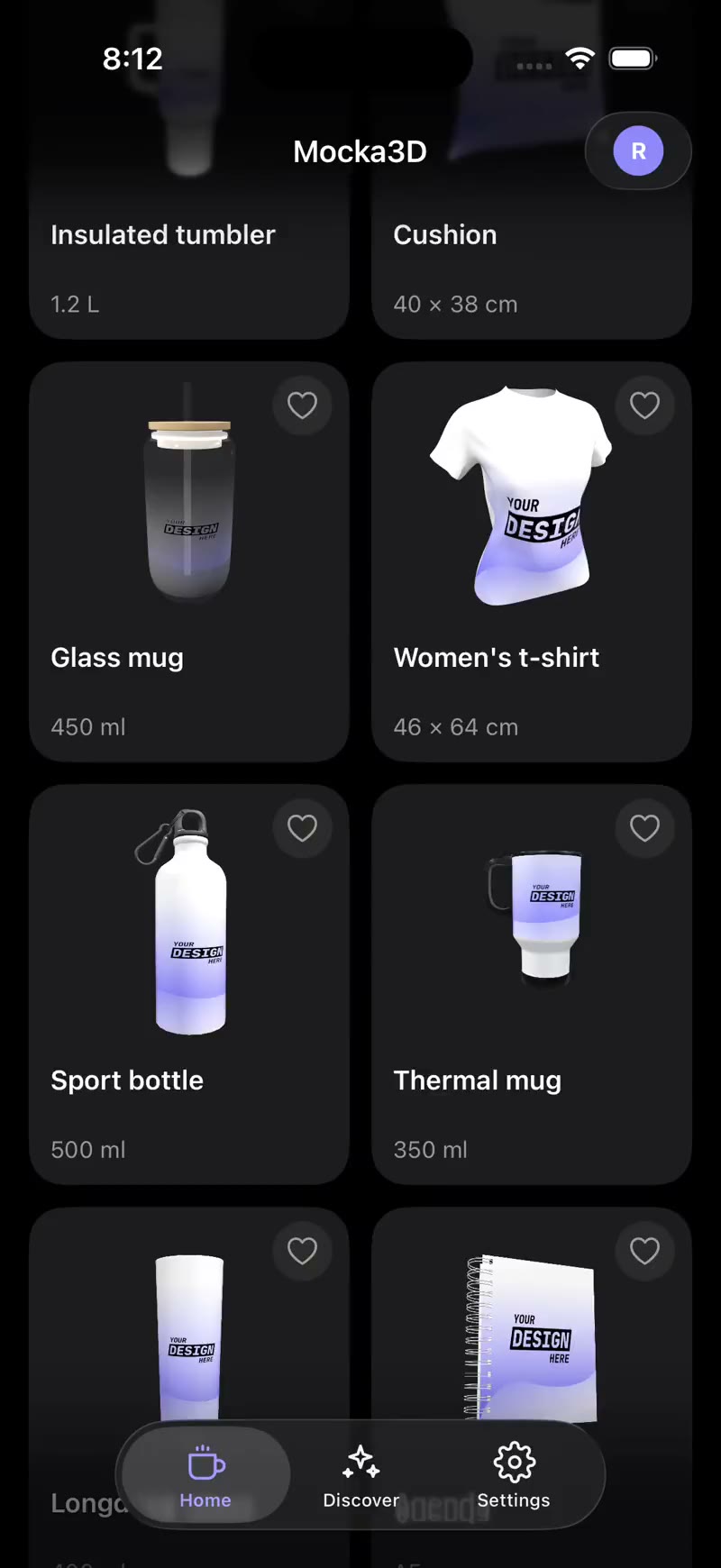
Mocka3D is a 3D mockup generator that lives on your phone:
- Upload your design and see it instantly on the product.
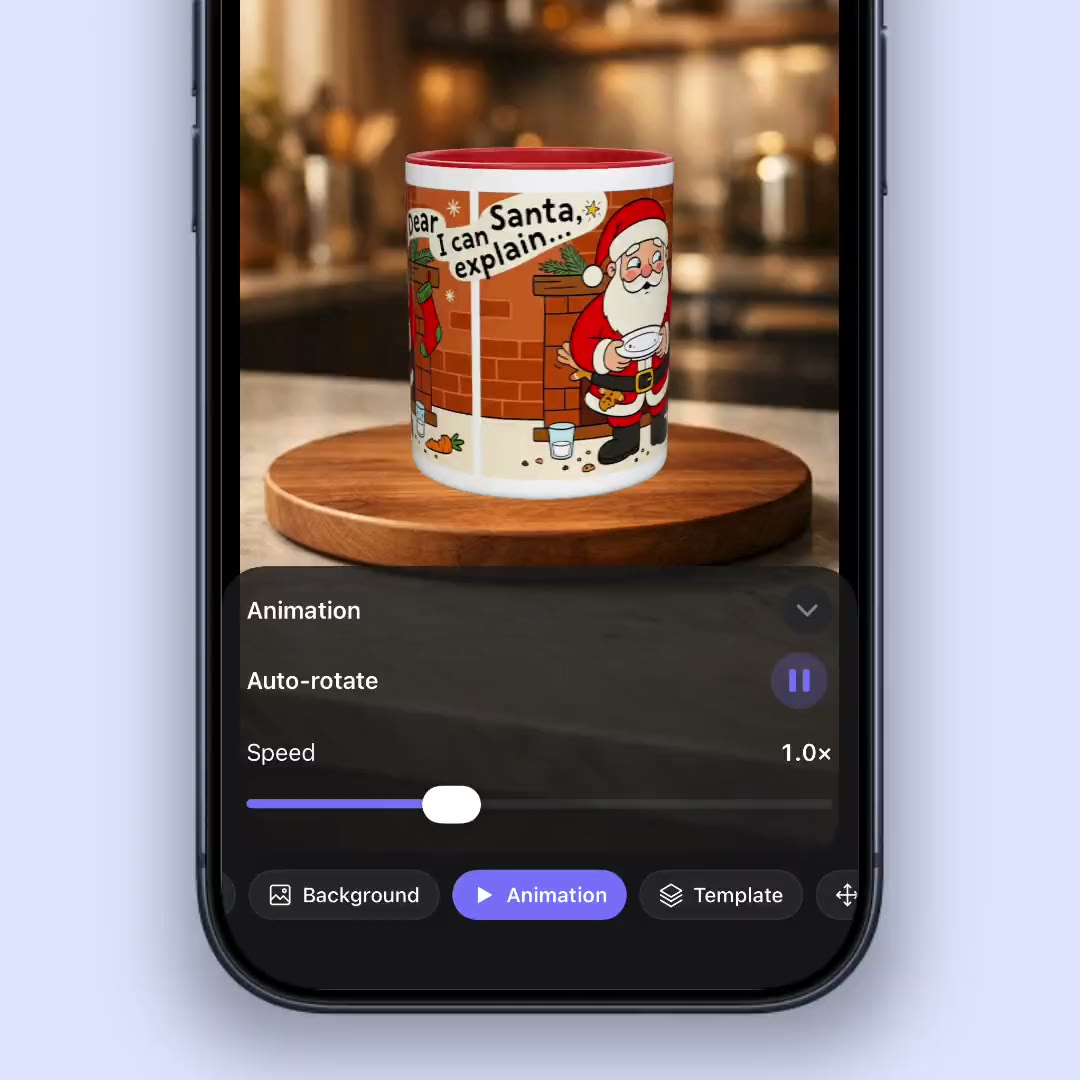
- Rotate and zoom on a photorealistic 3D model.
- Switch products (mug, magic mug, tumbler, notebook, bottle) without redoing anything.
- Export images for your store and HD videos for social.
- View it in augmented reality, at real scale on your desk, before printing.
When making it on your phone wins
- When a client messages you and you want to send a preview on the spot.
- When you post on social and need new content nonstop.
- When you’re at a fair or meeting without your computer.
- When you want to test a design fast before sending it to print.
In all those cases, opening an app and exporting in a minute beats sitting down in front of Photoshop.
What about quality?
Doing it on your phone doesn’t mean giving up quality. A photorealistic 3D render, exported in high resolution, looks just as professional as one made on the desktop — with the added benefit of multiple angles and video, which a flat template doesn’t even offer.
Conclusion
If you sell personalized products, your mockup tool should live where your business lives: on your phone. Making 3D mockups from your phone is faster, more versatile and always within reach. Download the app, upload a design and see for yourself on your next product.
Want the basics first? Read what a mockup is and how to make a mockup without Photoshop.